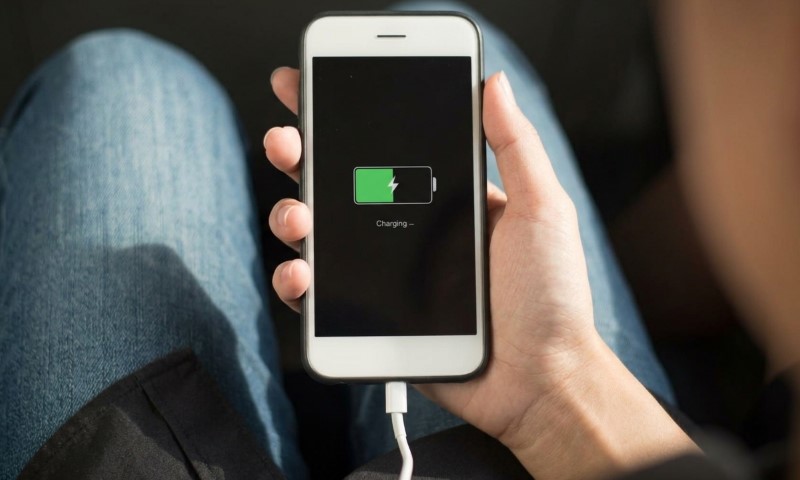
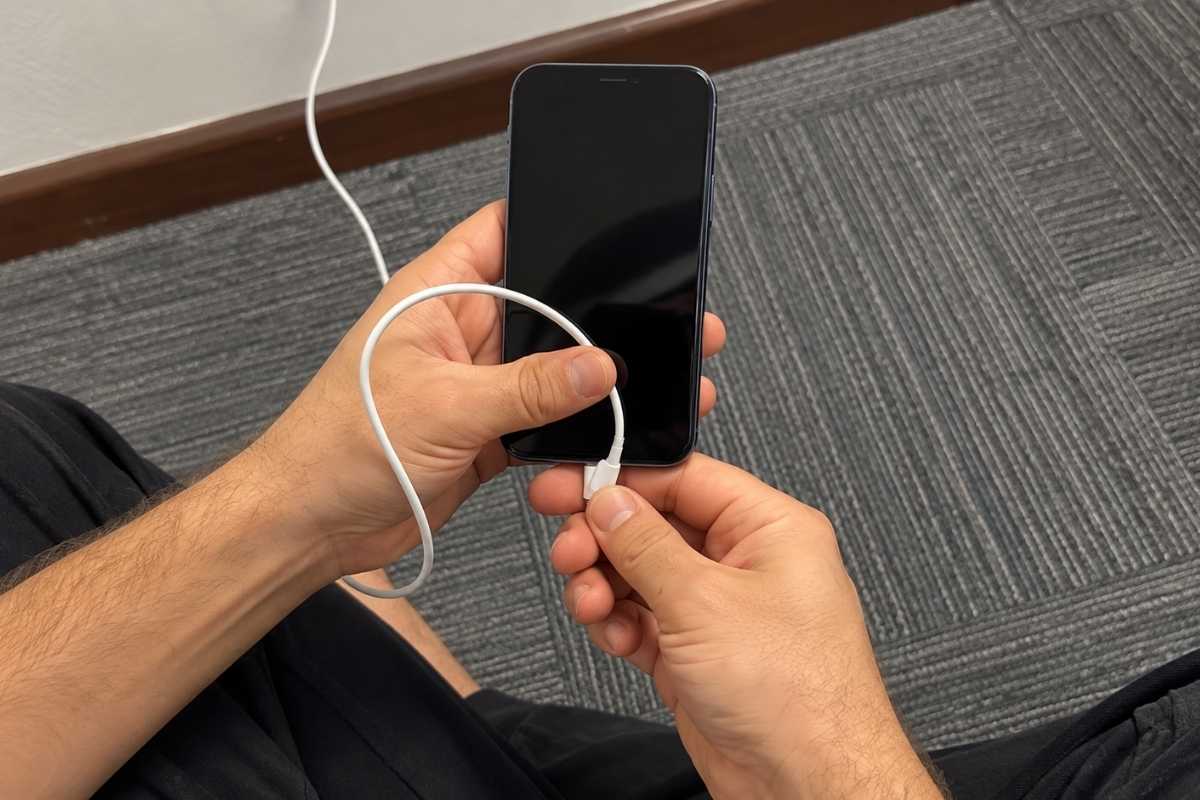
You plug your phone in and get nothing. Move the connector slightly upward. Still nothing.
Tilt it sideways by an amount that feels almost insulting, and suddenly the charging icon appears. Congratulations. Your charger has apparently selected its preferred seating position.
That tiny working angle is actually a useful clue. Worn contacts or weakened internal springs can sometimes press together firmly enough to complete the electrical connection only when the plug sits in a particular position. Move it a few millimeters and contact breaks again.
Your charger has not developed preferences. It has developed a contact problem. Anyone who has spent five minutes arranging a cable against a book, coffee mug, or bedside table already knows how ridiculous this can become. Reddit users have even joked about the familiar problem as a kind of “charger curse.”
Good news: your charger probably isn’t possessed. Bad news: physics has identified a replacement part.
The Three Main Suspects
| Suspect | What Goes Wrong | Main Clue |
| Damaged cable | Internal wires or connector parts wear out. | One cable fails while others work. |
| Debris or corrosion | Lint, dust, or corrosion blocks proper contact. | Plug feels loose or does not seat fully. |
| Worn charging port | Contacts or internal springs wear down. | Several good cables need the same angle. |
Finding the problem gets easier once you stop treating the charger as one object. Cable, connector, and device port can fail independently.
Damaged cable
Cable ends deal with a surprising amount of abuse. People pull them sideways, bend them against furniture, wrap them tightly around adapters, use phones while charging, and occasionally remove them by tugging the cable instead of the plug.
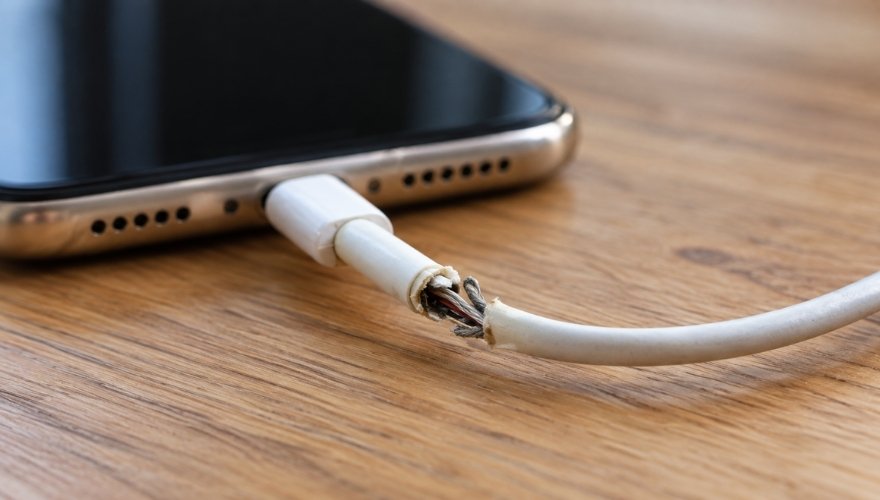
Visible damage makes the diagnosis easier, but a cable can fail internally while looking perfectly respectable on the outside.
Debris or corrosion
Phone ports spend considerable time in pockets, bags, cars, and other places that are not known for laboratory-grade cleanliness. Lint, dust, and other debris can accumulate inside a charging port and physically prevent the connector from seating fully.
Pocket lint has no electrical qualifications, yet somehow it has joined the troubleshooting team. Moisture deserves more caution than pocket lint. Charging while a connector is wet can corrode its pins and cause lasting connection problems.
Apple notes that a wet Lightning or USB-C connector may need up to 24 hours to dry fully. If moisture is part of the mystery, unplugging it is more useful than discovering another clever cable angle. A plug that feels unusually loose or refuses to seat as far as it once did gives debris a particularly strong alibi problem.
Worn charging port
One failing cable points toward the cable. Several good cables behaving badly with the same phone point somewhere else.
Repeated plugging can wear contacts inside a device port or weaken spring mechanisms responsible for maintaining pressure against the connector.
What’s Actually Going Wrong
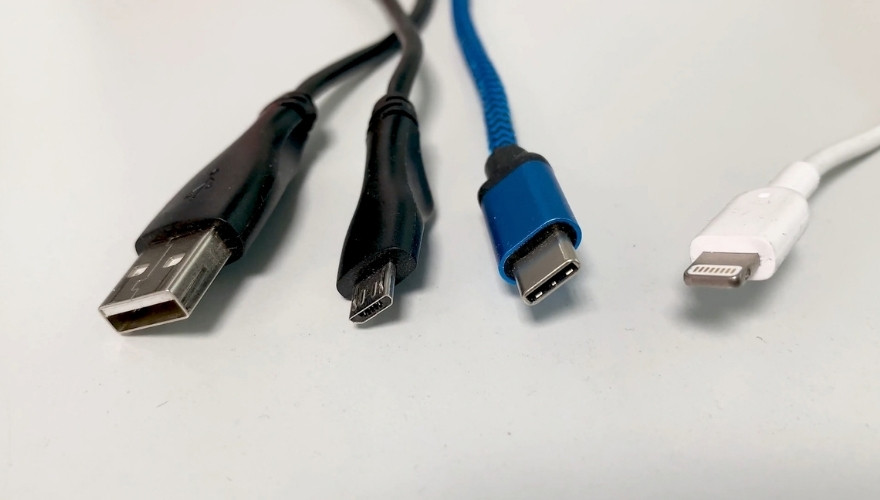
USB-C, Lightning, and micro-USB connectors all depend on tiny metal contacts touching one another with enough pressure to create a reliable electrical connection.
Those contacts have a harder job than they look like they do. Every plug-in and unplug cycle adds mechanical wear.
USB-C is built to tolerate plenty of that repetition. USB-IF durability testing calls for at least 10,000 insertion and extraction cycles without physical damage.
That figure is a design requirement, not a promise that every port will behave perfectly for exactly 10,000 plugs, but it gives some scale to how much mechanical work happens inside that tiny connector.
Once exposed metal begins oxidizing, electrical resistance can increase. Contact that once worked reliably can then become intermittent. Moving the cable changes alignment and pressure inside the connector. At one particular angle, worn surfaces may press together just firmly enough to close microscopic gaps.
Charging begins.Move the cable again, and those gaps reopen. Connector research shows the same failure pattern at a much smaller scale.
Wear can remove protective plating, while oxide and debris build up around the contact area. Resistance then rises as fewer clean metal surfaces carry current.
Your oddly precise charging angle is basically forcing two increasingly uncooperative surfaces to shake hands one more time. Higher charging currents add another complication.
Electrical resistance produces heat, and repeated heating can contribute to oxidation and deterioration of spring contacts over time. None of that means one warm charging session has destroyed your port.
Wear usually develops gradually. Angle-sensitive charging is simply one of the clues that something in that physical connection is no longer doing its job consistently.
The Fastest Way to Find the Culprit
Randomly wiggling cables can prove that something is wrong. It does not tell you what. A simple comparison does. Start by connecting the suspicious cable to another compatible device. If it shows the same intermittent behavior there, the cable becomes the leading suspect.
Next, connect several known-good cables to the original phone. Consistent charging with other cables makes the original cable look guilty. Angle-sensitive behavior across several good cables points more strongly toward the phone’s charging port.
Each test changes only one part of the setup. That matters because troubleshooting works best when you allow each suspect to fail independently. Port inspection comes next.
Look inside under good lighting and check for lint, dust, visible corrosion, or anything preventing the connector from seating properly.
Loose debris may be cleared with compressed air used carefully. Avoid directing excessive pressure into delicate connector components. Metal tools are a bad choice. USB-C ports are especially easy to damage because a thin central tongue sits inside the opening.
Scraping around it with a pin, paper clip, or other metal object can turn a dirty port into a damaged one. Cleaning should remove debris, not introduce a second problem.
Stop Treating the Angle as a Fix
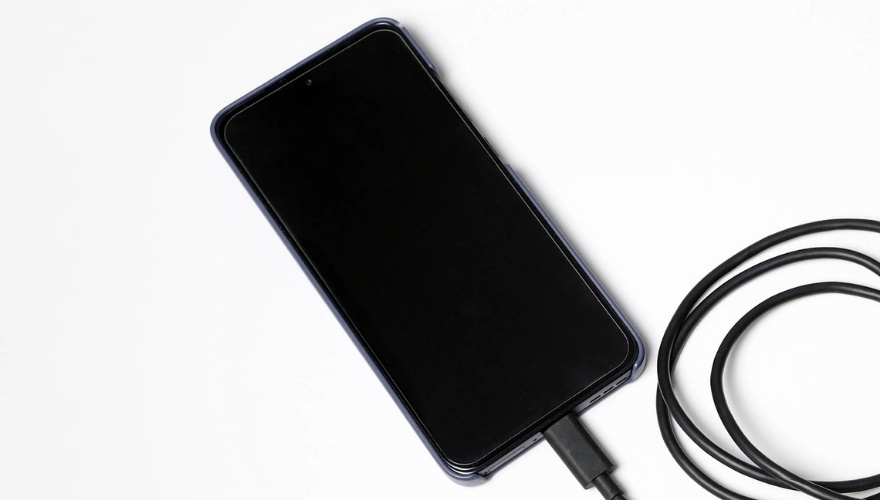
Finding the magic position feels like solving the problem. It is usually evidence that you have identified it. A cable that once charged at any position but now needs a specific tilt has probably developed enough wear that reliable contact occurs only under extra pressure.
If that working position gets narrower over time, progressive wear becomes even more likely. Holding the connector sideways does not repair worn contacts. Constant pressure can deform them further. Intermittent charging creates another warning sign.
Repeated stop-start charging, or charging without really charging, can indicate substantial contact degradation, particularly when tiny cable movements repeatedly disconnect and reconnect power.
Replacing a failing cable is much cheaper than building a nightly support structure involving three books and a carefully positioned water bottle.
Safety becomes more important once physical damage appears. Stop using a cable, adapter, or charging setup if you notice exposed wires, excessive heat, burning smells, sparks, melted material, or obvious structural damage.
Those symptoms move the problem out of annoying-gadget territory. Replacement is the appropriate next step.
The Bottom Line
One weird charging angle is not a quirky feature. It is a diagnostic clue. Worn contacts, weakened springs, oxidation, debris, cable damage, or mechanical wear inside the charging port can prevent steady electrical contact.
Moving the cable temporarily changes pressure and alignment, which explains why charging suddenly starts when the connector reaches its strangely specific sweet spot.
Testing the cable with another compatible device and testing the phone with several known-good cables can quickly narrow down which component is responsible.
Port inspection can reveal debris or corrosion that keeps the plug from seating correctly. Persistent angle-sensitive charging deserves a proper fix rather than increasingly elaborate cable choreography.