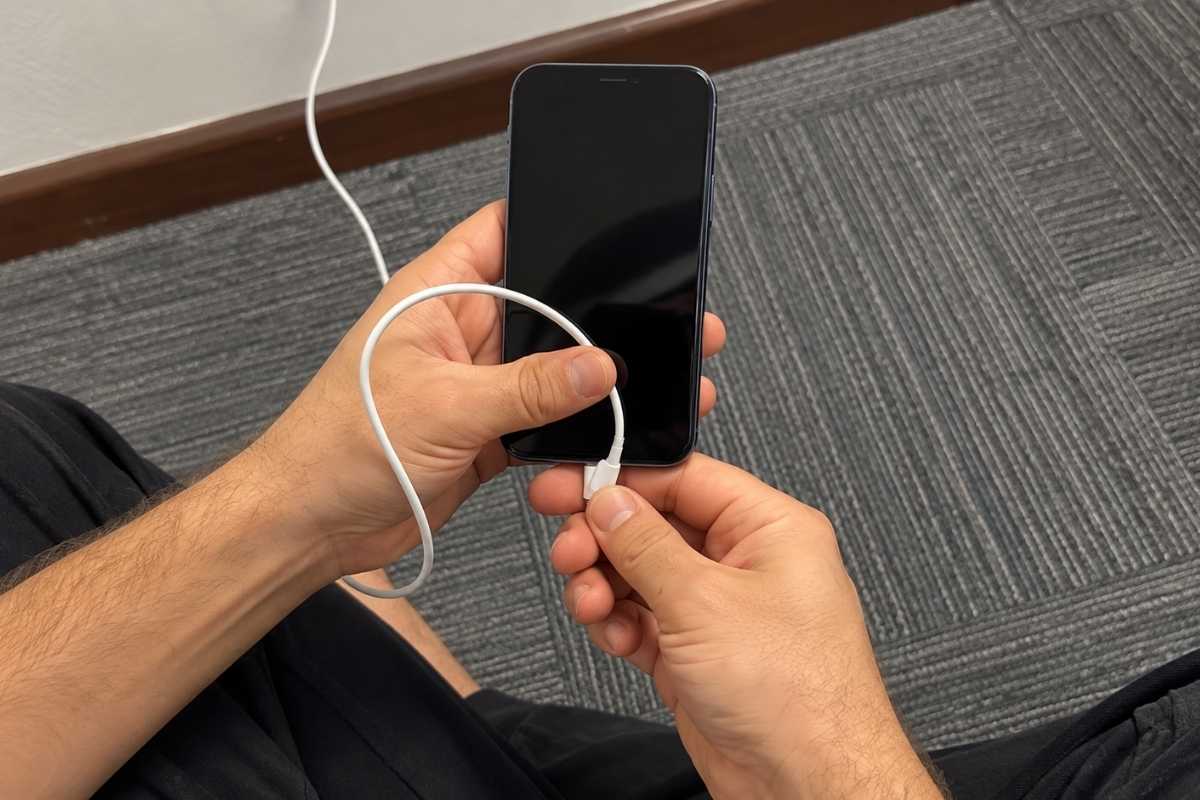
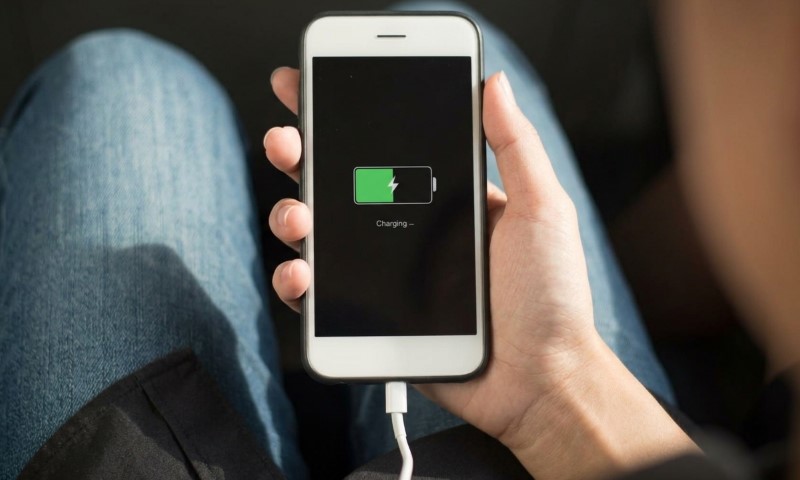
Your iPhone shows a lightning bolt. The charging cable is connected. Everything looks normal, except the battery percentage has apparently decided that 58% is a perfectly reasonable place to stop.
One Apple Community discussion about this problem attracted 393 “Me too” reactions, though that does not tell us how common it is across all iPhones.
A charging symbol only means your iPhone recognizes a power connection. It does not prove that enough stable power is reaching the battery to increase its charge.
Most cases come down to a bad cable connection, debris in the port, insufficient charging power, heavy phone use, heat, a temporary iOS problem, or hardware trouble.
Start With the Charging Cable and Port
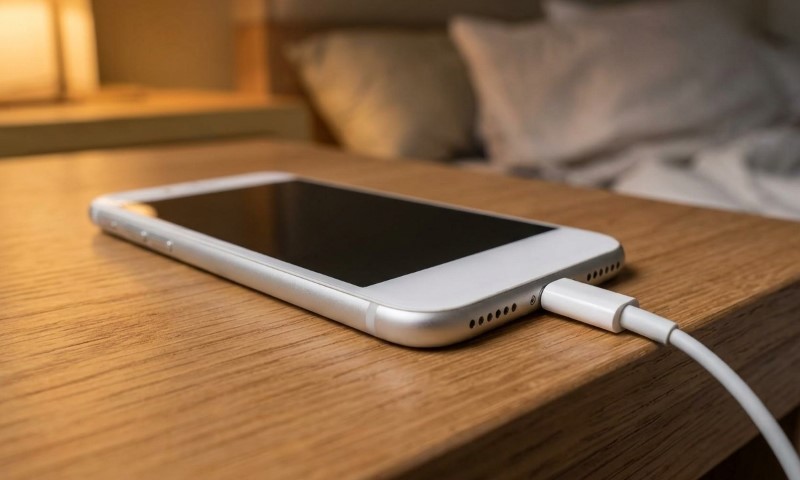
Start here if charging works only when you hold the cable at one strangely specific angle.
Lint packed into the port can stop the connector from seating properly.
Worn cable ends, damaged contacts, or a loose charging port can cause the same stop-start behavior.
Check your cable and adapter for visible damage. Make sure each connection fits firmly, inspect the charging port for debris, then try another known-good cable, adapter, and wall outlet.
Avoid digging into the port with metal objects. Damaging a contact turns a small cleaning job into a much more expensive one.
Comparison testing gives you a useful clue.
If another cable charges normally, suspect your old cable. If several cables all need roughly the same angle, suspicion shifts toward the port.
Charging should not require the wrist position of a safecracker.
Make Sure the Charger Is Supplying Enough Power
A phone can recognize a charger without gaining battery percentage.
Charging works like a simple balance.
Your iPhone is using power while receiving power. Battery percentage rises only when incoming power exceeds current consumption.
One reported example involved an iPhone connected to a 20W third-party charger while TikTok was running. Battery level sat at 58% even though the charging symbol was visible.
Video playback, gaming, navigation, high screen brightness, background activity, and weak cellular reception can all increase power use. Lower-powered adapters make the problem easier to trigger. A 5W charger, for example, may struggle to produce much battery gain while the phone is busy.
Run a cleaner test.
Connect your iPhone directly to a wall outlet with a known-good charger, lock the screen, and leave it untouched for about 30 minutes.
Apple uses a 30-minute charging interval during its troubleshooting process before moving to the next step.
If battery percentage starts climbing normally with the screen off, charging hardware is probably working. Your phone may simply have been spending almost as much power as the charger was supplying.
Sometimes the mystery is less “broken battery” and more “TikTok ate the electricity.”
Restart the iPhone if the Percentage Looks Stuck
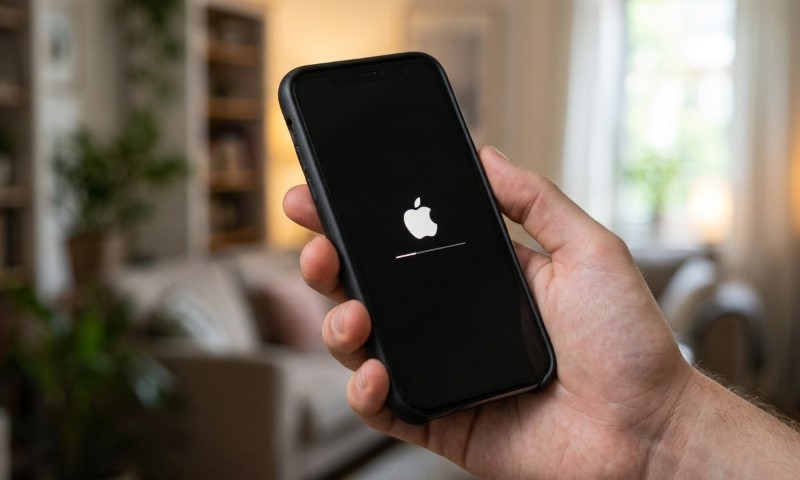
Sometimes charging is happening, but the displayed percentage does not update correctly.
One reported case involved an iPhone that was only three weeks old, showed 100% Battery Health, and was running iOS 15.5. Battery percentage stopped increasing while connected to power, then charging appeared normal again after a restart.
Other users have described similar behavior, including one phone that showed 95% before a restart and 100% afterward.
User reports do not prove a universal iOS bug, but they make restarting a sensible early check.
Restart your iPhone normally first. If the problem continues, let it charge for a while and try a force restart using the correct button sequence for your model.
Installing an available iOS update is also worth doing if the issue persists.
A percentage that suddenly changes after restarting points more strongly toward a temporary software or reporting problem than a physical charging fault.
Check Heat and the 80% Charging Limit
A phone that repeatedly stops around 80% deserves different treatment than one stuck at 40%, 58%, or another random number.
iOS may temporarily limit charging above roughly 80% when battery temperature gets too high. Charging can continue after the phone cools.
Optimized Battery Charging can also delay charging past 80% when iOS expects the phone to stay connected for a long period. Apple introduced that feature with iOS 13.
Context matters.
A phone that repeatedly pauses near 80% may be behaving normally. A phone that always stops at 37% probably is not waiting for an optimized charging schedule.
If your iPhone feels unusually hot, stop demanding apps and move it somewhere cooler. Let it cool naturally before testing charging again.
Avoid putting it in a refrigerator or freezer. Batteries prefer boring solutions.
When the Problem Probably Needs Service
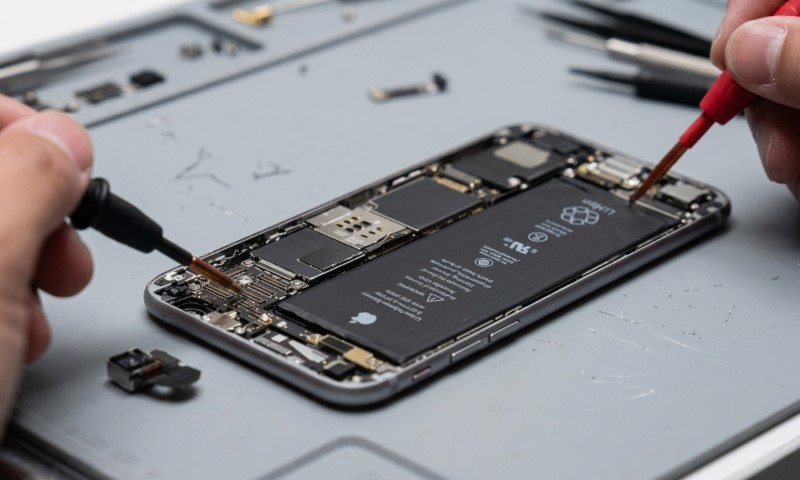
Hardware becomes more plausible when several basic tests produce the same failure.
Warning signs include:
- Several known-good cables and adapters behave the same way.
- Every cable needs to sit at a certain angle.
- Charging cuts in and out when the plug moves.
- Visible damage, corrosion, or bent contacts appear in the port.
- Problems started after a drop or liquid exposure.
Battery condition matters too. Battery Health near or below 80%, especially alongside erratic percentages or poor battery life, can point toward battery degradation.
Avoid trying to identify a specific internal charging chip based only on symptoms. Several hardware faults can look similar.
Professional inspection makes more sense once a known-good charger, a clean port, sufficient charging time, cooling, and a restart have all failed.
Follow the Most Useful Clue
Charging only at an angle usually points toward the cable, debris, or port. Charging normally with the screen off but stalling during active use suggests power consumption is competing with charger output.
A percentage that updates after restarting makes a temporary software problem more plausible. Stopping near 80% calls for a temperature and charging-setting check. Multiple good chargers producing the same problem shift suspicion toward the phone itself.
Most importantly, do not give the lightning bolt too much credit.
Seeing that symbol means your iPhone recognizes a charger. Actual battery gain still depends on receiving enough stable power for long enough to increase the charge.