
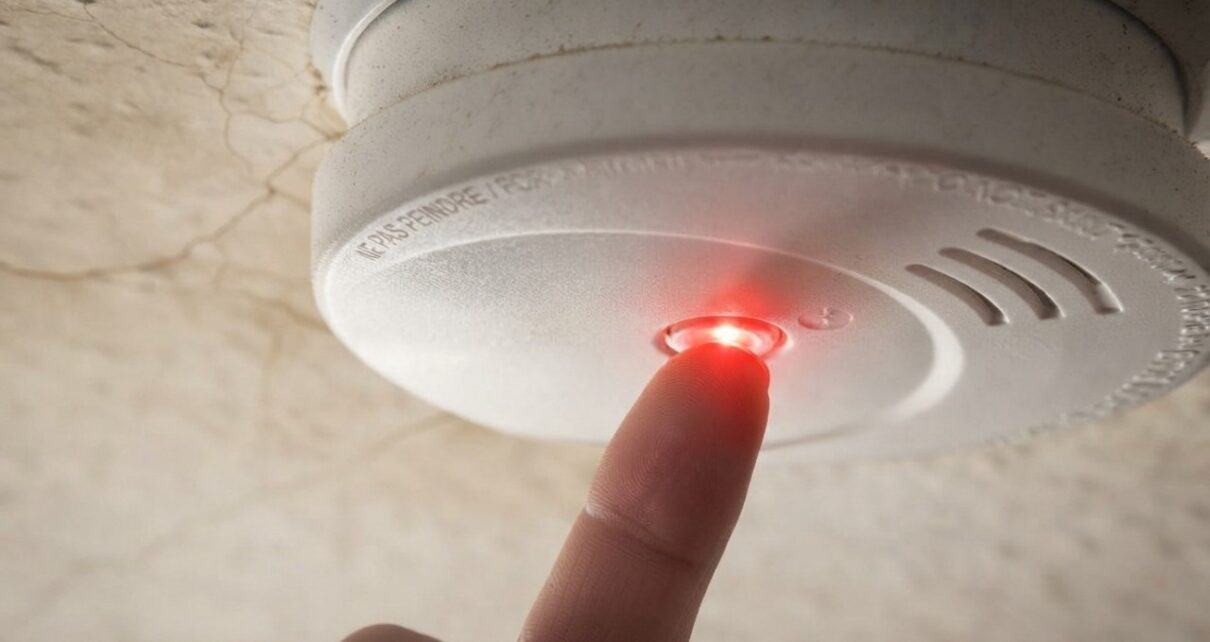
Your bedroom is quiet until a small, sharp chirp breaks it. You wait, hoping it was something outside.
Thirty seconds later, it happens again.
Nothing sounded wrong all afternoon. Now, apparently, your smoke detector has scheduled maintenance for the least convenient hour available.
Usually, the timing has a simple explanation. Homes often reach their lowest indoor temperatures between about 2 a.m. and 6 a.m.
If an alarm’s battery is nearly depleted, that drop can push it below the level needed to avoid a low-battery warning.
Your detector has not developed a sense of timing. Physics has.
Why a Colder Room can Trigger a Chirp
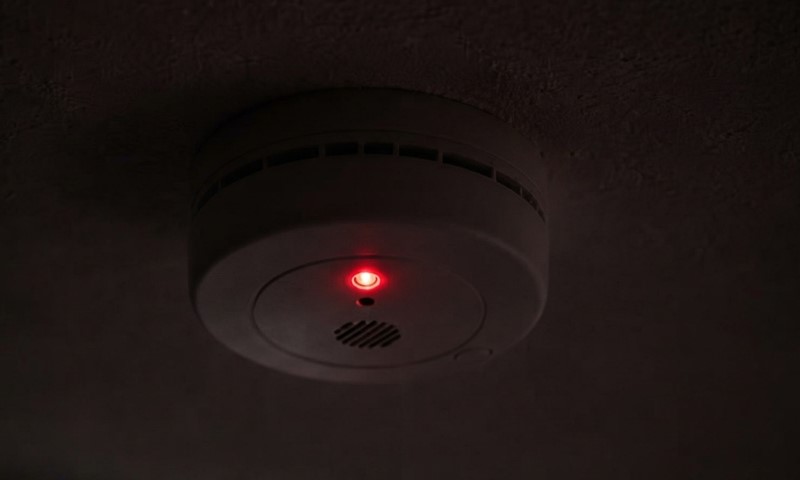
Cold slows the chemical reactions inside a battery and increases its internal resistance.
As a result, a weak battery may temporarily supply less voltage during the coldest part of the night. That can be enough to trigger a chirp.
Once the room warms up, the battery may supply enough voltage for the warning to stop.
By breakfast, the alarm seems fine, and you are left trying to explain a noise that has conveniently vanished.
A homeowner describing repeated 3 a.m. chirps ran into exactly that pattern. Replacing batteries stopped the noise for a time, but it eventually returned.
Overnight cooling can explain why a battery near its limit announces itself at night, though the timing alone does not prove the battery is the cause.
Other clues to check
A weak battery is the most likely suspect, but a few other conditions can cause trouble:
- An aging alarm. Smoke alarms typically need replacement after about 10 years. A fresh battery cannot extend the detector’s service life.
- Dust or moisture. Dust, high humidity, and bathroom steam can interfere with an alarm.
- A difficult location. Airflow near an HVAC vent or changing conditions near a kitchen or bathroom can expose an alarm to temperature and humidity swings.
So the hour of the crime is useful evidence, but it does not identify the culprit by itself.
How to Stop the Chirping
Follow these checks in order. Each one narrows down the cause:
| Check | What to do | What it tells you |
| Locate the chirp | Listen near each alarm through a full chirp cycle. | Identifies the unit that needs attention. |
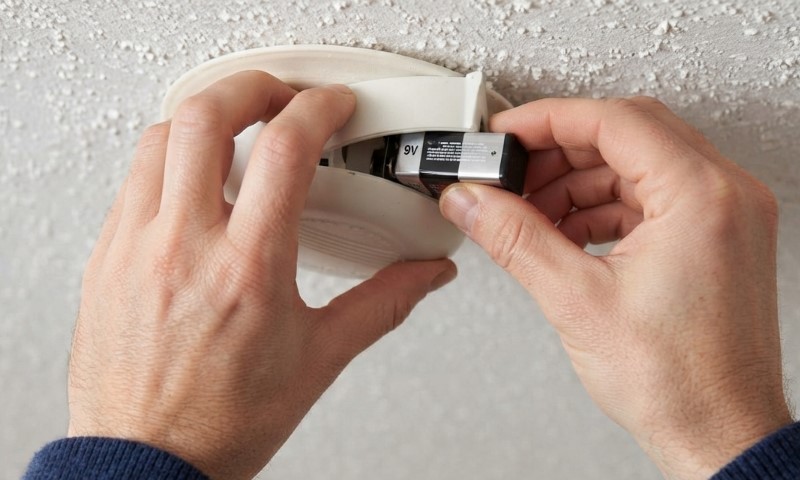
| Replace the battery | Use the specified battery, then test the alarm. | If the chirp stops, the battery was likely weak. |
| Check the date | Replace an alarm that is about 10 years old. | An expired unit needs more than a new battery. |
| Check the area | Look for dust, steam, humidity, or strong airflow. | Nearby conditions may be causing the chirp. |
An occasional chirp is different from an active smoke or carbon monoxide alarm signal.
Do not disable or ignore an alarm because it sounds at night. If you are unsure what its sound pattern means, check the model’s instructions and respond to any active alarm immediately.
Most 3 a.m. chirps have no special relationship with 3 a.m. A cooling house can simply push a nearly depleted battery low enough for the alarm to notice.
Good news: your smoke detector probably is not plotting against your sleep schedule.
Bad news: it may still want a new battery.