
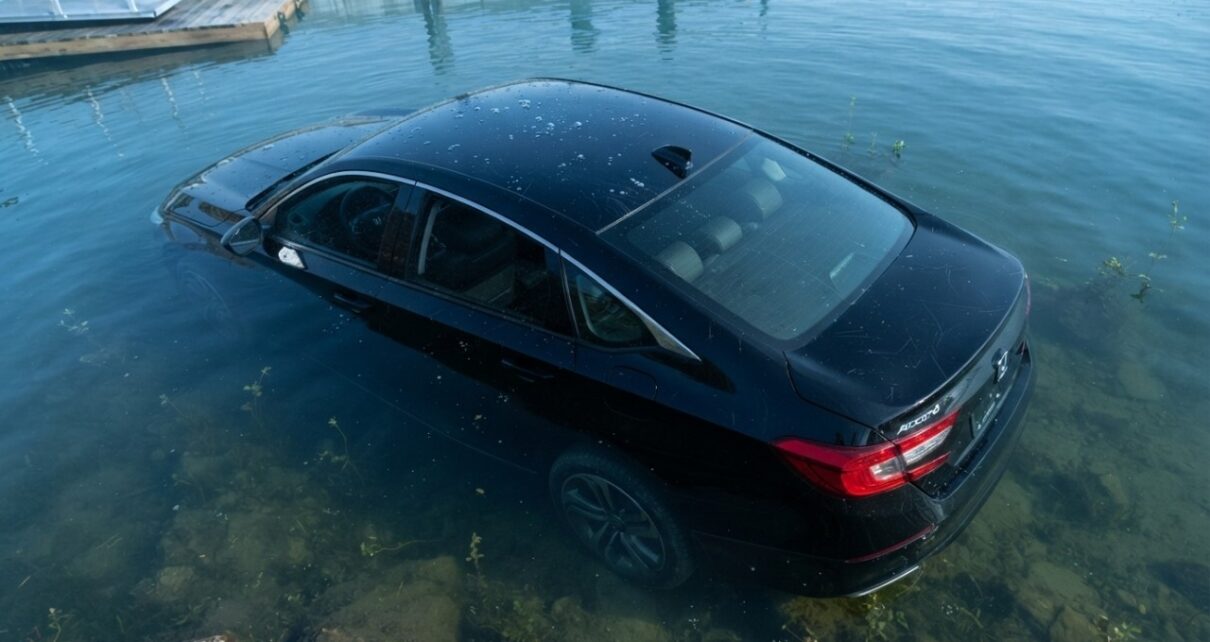
Sabine Moreau meant to make a routine drive to Brussels. At 67, she left her home in Belgium to pick up a friend at a train station roughly 61 kilometers away. Somewhere along the way, she took a wrong turn, followed her GPS, and kept going.
About two days later, she was in Zagreb, Croatia, roughly 1,500 kilometers away.
Warning signs did not exactly hide. Moreau passed signs for Cologne, Aachen, and Frankfurt. She crossed several international borders, stopped twice for fuel, slept in her car, and even had a minor traffic accident. None of it apparently settled the question of why Brussels had become so difficult to reach.
Her son eventually reported her missing. Police began searching. Moreau later called home after arriving in Croatia.
Germany was probably a clue. Austria made the case stronger. Zagreb was difficult to explain away.
Comedy is easy here because the mistake became enormous. More interesting is the smaller question hiding inside it is how can a navigation system stay convincing while nearly everything outside the windshield says something has gone wrong?
Yes, Drivers Really Have Ended Up in Lakes
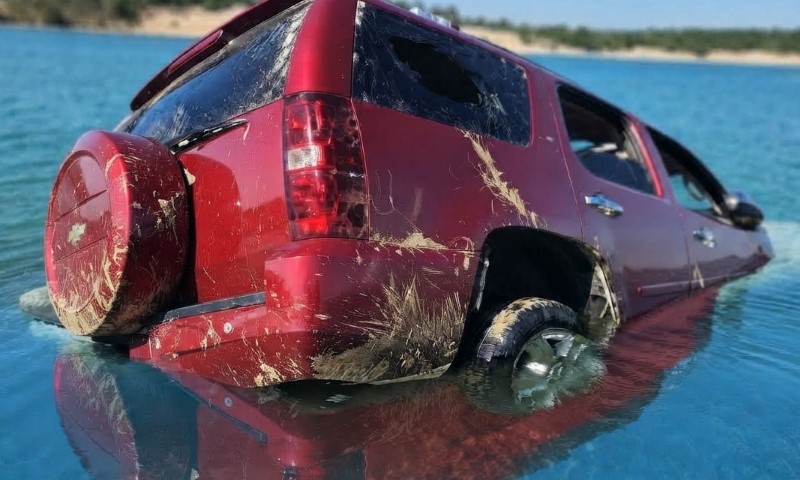
A wrong route does not always end with an international detour. Sometimes it ends with water over the hood.
In Massachusetts in 2021, a driver following his car’s navigation entered Buffumville Lake. He got out on his own and later went to a hospital for evaluation. Firefighters recovered his nearly submerged vehicle in about 10 feet, or 3 meters, of water.
Reports indicated that he was probably using navigation built into the vehicle rather than a phone app. That detail matters because built-in systems can carry old map data long after a road, access point, or local layout has changed.
Ontario produced another example in 2016. A woman was driving at night during rain and heavy fog when she missed a turn and drove down a boat ramp into the water. Poor visibility mattered. So did the ramp itself, which was wide enough to resemble a road when visual clues were weak.
She rolled down her window and escaped. No injury or hypothermia was reported, and alcohol was not considered a factor.
Neither case really looks like a driver calmly staring at a lake and deciding that the computer must know better. Navigation only had to make a bad path look plausible for a few crucial seconds.
That is a much less ridiculous failure, which also makes it more useful to examine.
What Actually Goes Wrong?
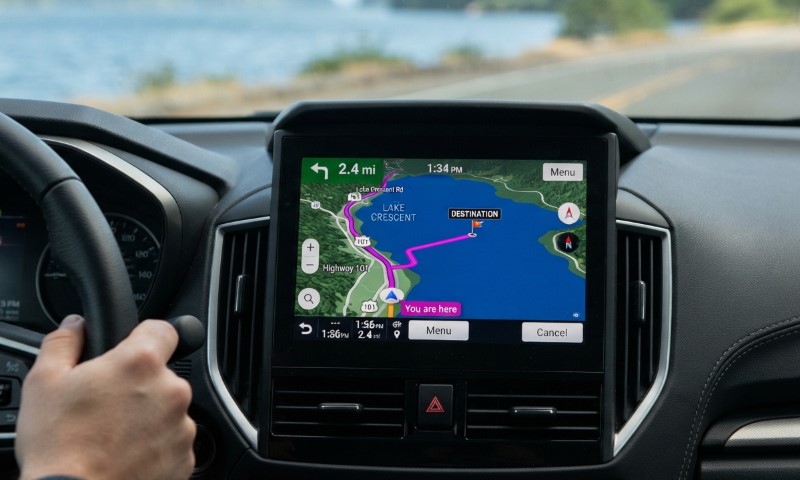
“GPS” gets blamed as one object, much like “the computer” gets blamed when an office printer refuses to acknowledge the laptop sitting three feet away.
Several separate parts can cause a bad instruction.
Positioning can be inaccurate. Digital map data can be wrong. Routing software can choose a poor path. A navigation database can be old. A driver can also misunderstand a perfectly accurate instruction.
Built-in car navigation adds another clue. Some systems depend on map packages that need periodic updates. If those updates have not happened, a screen can confidently show a road arrangement that no longer matches reality.
Phone navigation usually gets map changes more continuously, which reduces that particular problem without making every route infallible.
So “GPS was wrong” is only the first clue. A better question is what was wrong: location, map data, routing, database age, or interpretation.
Finding that answer matters because each failure looks different behind the wheel.
Why the Lake Stories Aren’t Quite Like The Office
A famous scene in The Office has Michael Scott following GPS toward a lake even though he can see what is directly ahead. Dwight objects. Michael trusts the machine. Water settles the disagreement.
Real incidents usually provide fewer visual clues and less time for a punch line.
Ontario’s 2016 crash happened at night, in heavy rain and fog, in an unfamiliar area.
A wide boat ramp looked enough like a road under poor conditions for one mistaken turn to continue farther than it should have.
Each factor removed a clue a driver would normally use to reject the instruction:
- darkness reduced distance and detail
- rain distorted visibility
- fog hid the wider setting
- unfamiliar roads removed local knowledge
- a road-like boat ramp made the bad route briefly believable
Blind obedience is only part of the story. Poor conditions can make a wrong digital instruction and a misleading physical path agree just long enough to cause trouble.
Technology did not need to overpower common sense. It only needed common sense to have bad lighting.
How Can You Know When GPS Has Lost the Plot
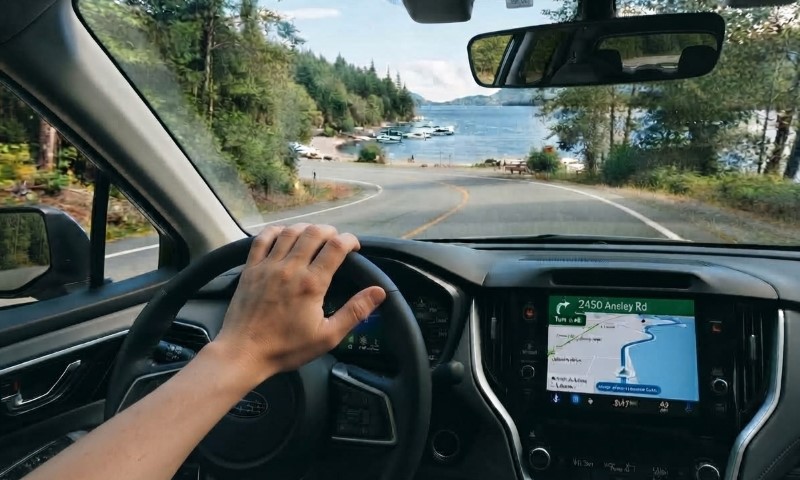
Bad navigation usually gives clues before it produces a spectacular result.
First, compare the screen with the windshield. A gate, boat ramp, flooded section, construction barrier, private driveway, or missing road deserves more trust than a colored line on a display.
Navigation works with stored data and calculated positions. Your windshield is reporting current conditions.
Next, check the geography. An ordinary trip should not quietly acquire international borders, unfamiliar cities, or road signs that make no sense for the destination.
Map age is quite an important factor too. Older built-in systems can lag behind road changes if their databases have not been updated. A perfectly functioning screen can therefore give a perfectly outdated instruction.
Visibility deserves extra suspicion. Rain, darkness, fog, and snow can erase the cues that usually expose a bad turn. Ontario’s boat ramp was dangerous partly because poor conditions made it look plausible.
Useful warning signs include:
- screen directions that conflict with what is visibly ahead
- a route that stops making geographic sense
- navigation that sends you toward an unmarked or questionable access point
- old built-in map data
- poor visibility that makes roads and non-roads harder to distinguish
If the map and the windshield disagree, believe the windshield.
GPS may know where a road was supposed to be. It cannot inspect what is in front of your bumper right now.
The Blue Line Is Not the Road
Moreau’s two-day detour across Europe looks nothing like a car sinking into a lake, yet both problems begin with the same quiet assumption: navigation is handling it.
Most of the time, it is.
That reliability is exactly why a bad instruction can travel farther than it deserves. Drivers grow used to outsourcing tiny decisions about direction, one turn at a time. When an instruction finally conflicts with the physical world, the habit can survive for a few seconds, several miles, or, in one unusually determined case, multiple countries.
GPS can calculate a route, reroute around traffic, and announce the next turn with impressive confidence. It cannot look through your windshield.
If the blue line says the road continues, and the road appears to have become a lake, you possess information the navigation system does not.
Use it.